

Appearance
Onboarding Operators
To request onboarding for an Operator - you must first invite or update the associated user in AMS 2.0. This process is detailed here.
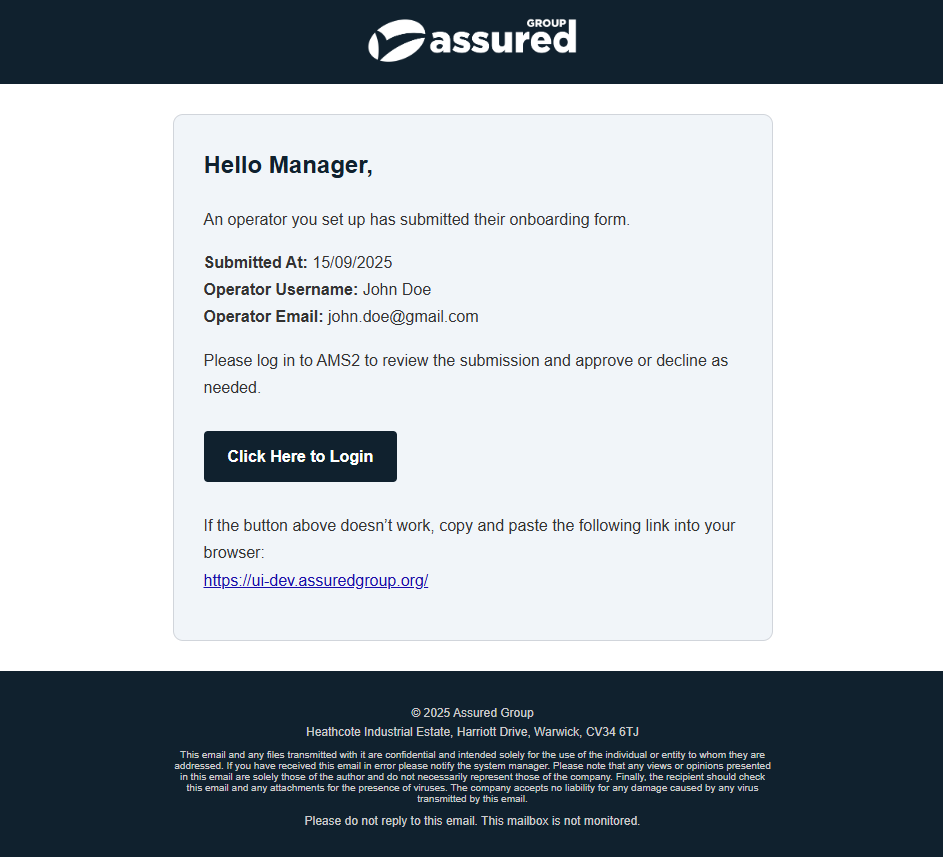
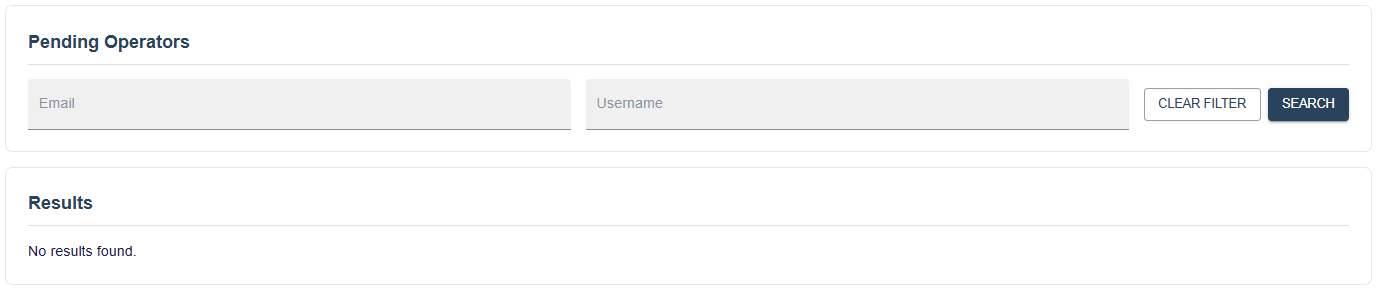
After the Operator completes and submits the onboarding form, you will receive an email notification (if you were the one who invited the user). The Operator’s record will then be available in AMS 2.0 > Operatives > Pending Operatives for managers with the necessary permissions.
If you do not see this record, ensure that the Manager Manage Onboarding or Manager Read Onboarding permission is enabled in the user's role.
The email the manager who requested the Operator wil recieve will look like this:
The Pending Users screen looks like this:
Reviewing Submissions
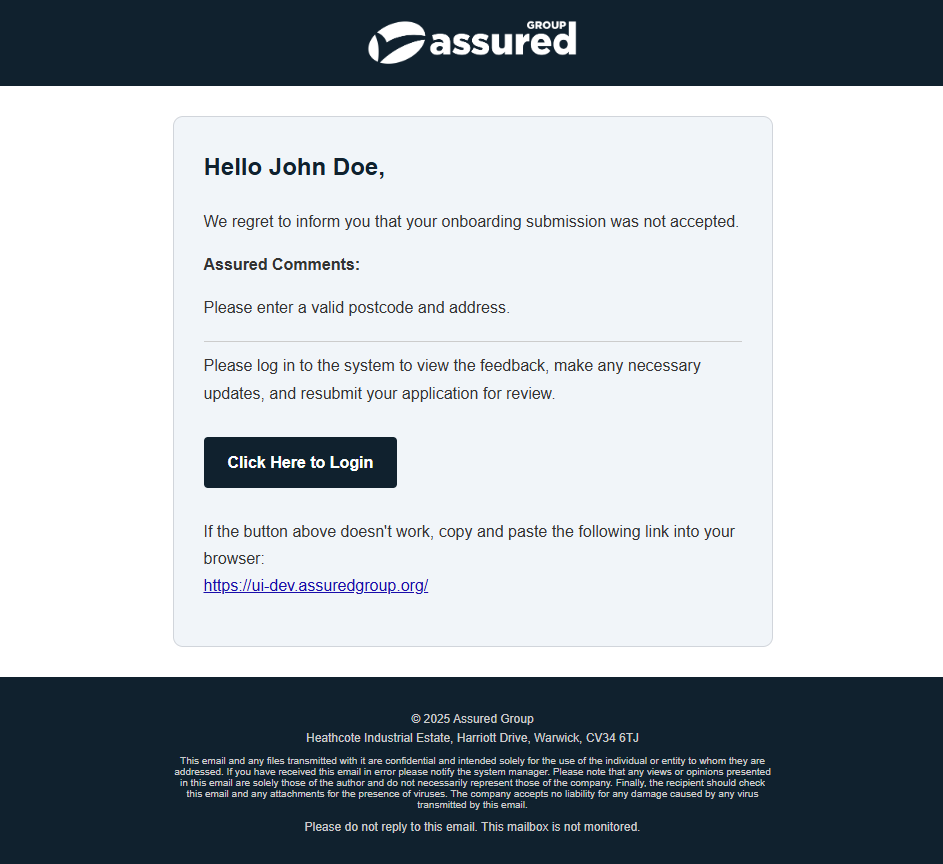
Once you select a submission, you can see all the details the operator submitted in a READ ONLY format. If there are issues - you will need to Reject the submission and provide comments to the Operator.
The rejection email looks like this:
AI Validation
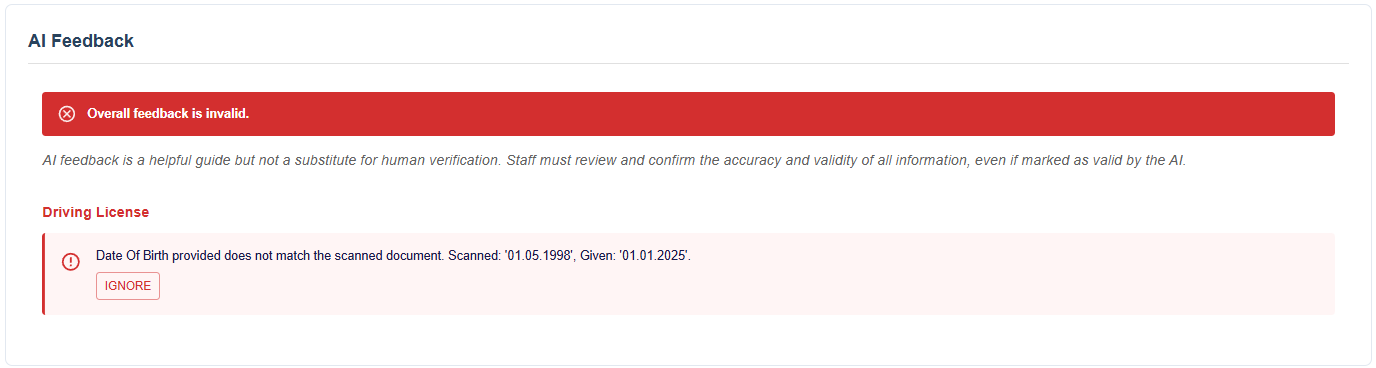
When the onboarding document is loaded for the 1st time as the manager, an AI will validate the information provided and will provide feedback on any issues.
Note
AI feedback is a helpful guide but not a substitute for human verification. Staff must review and confirm the accuracy and validity of all information, even if marked as valid by the AI.
Example Good:

Example Bad:
TIP
If the AI has made a mistake, or there is a legitimate reason for the mismatch - you can ignore with a reason why which will allow you to proceed.
Note
Not all information is validated by the AI - For example we would never send bank details to be validated.
To see what information is validated and what isnt, click here.
If you're happy with the details - you can click approve or reject with comments.

TIP
Any feedback from the AI will automatically populate into the rejection comments. You can remove this and type a custom message if required.
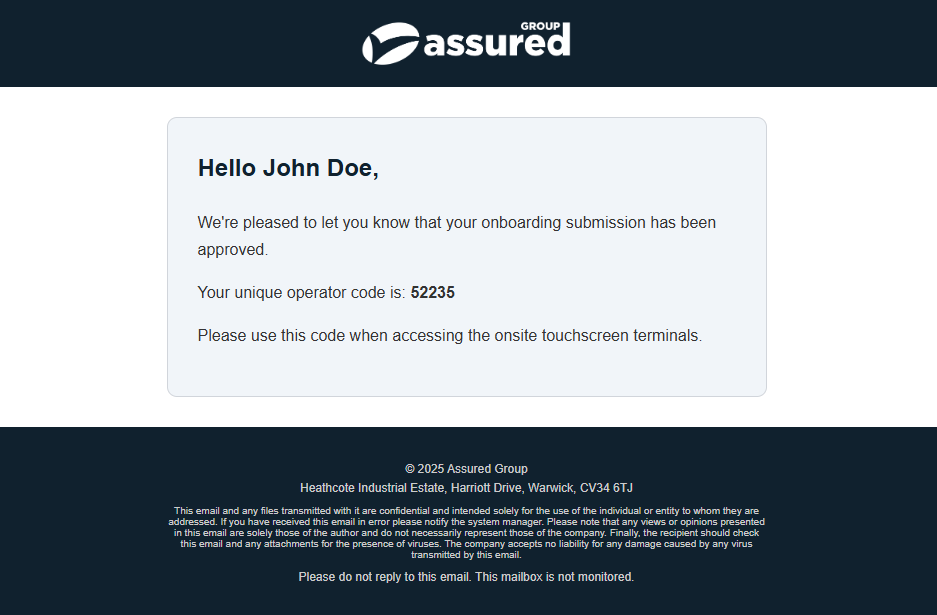
The Operator will recieve an email confirming the submission was approved.
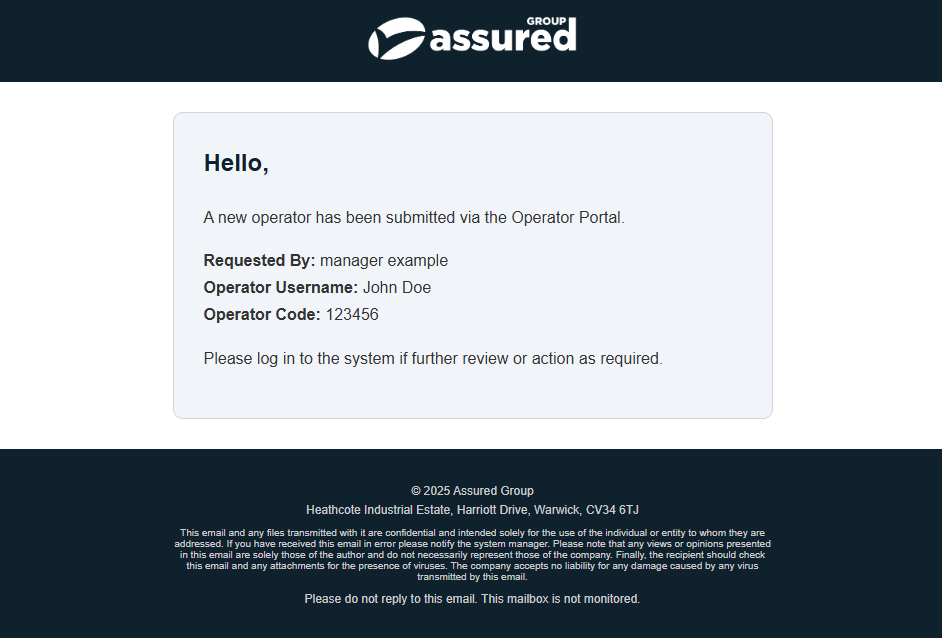
An email notification will also be sent to the Assured Group Subcontractors email address which confirms the new operators details and the manager who requested it.
Note
A note is also added to the Operators record stating the record was created via the Operator Portal.