
Appearance
QR
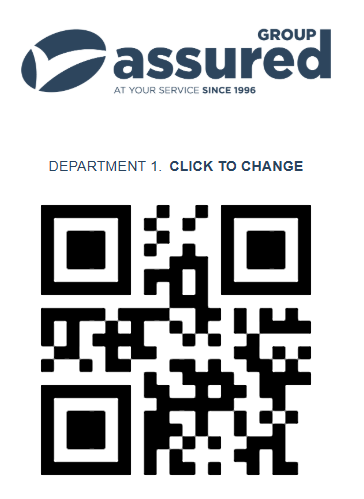
The QR tab allows you to scan the QR code on the mobile version of the clocking app.
The clocking system is visible at the QR tab. If you do not see this, you will need to enable Touchscreen Allow Qrcodes inside the users role.
- The initial screen displayed will be a list of the departments belonging to the touchscreen user.
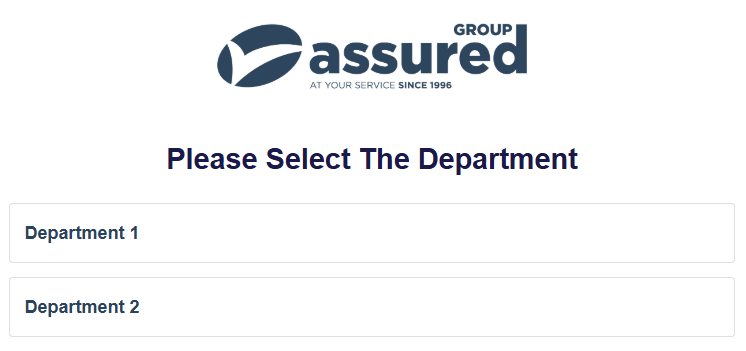
- Once selected the QR code will be displayed which can be scanned on a mobile device.