

Appearance
Accidents
The new touchscreen allows the ability to report Accidents.
The accident screen is visible at the Accidents tab. If you do not see this, you will need to enable Touchscreen Allow Report Accidents inside the users role.
Starting An Accident
- Click start accident.
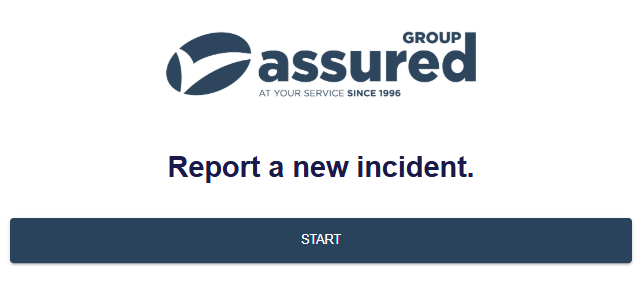
- Select the incident category.
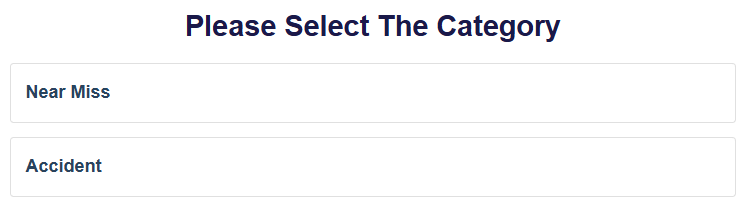
- You will then be shown the relevant types that relate to the category selected. You can change the selection by clicking
CLICK TO CHANGE.
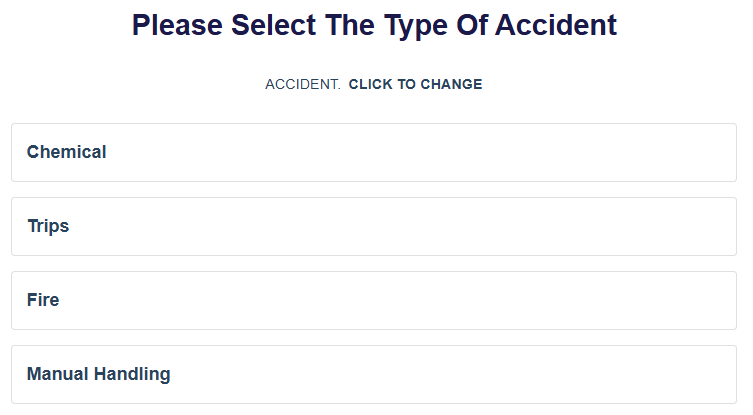
- You can then select the
Departmentin which the accident occured.
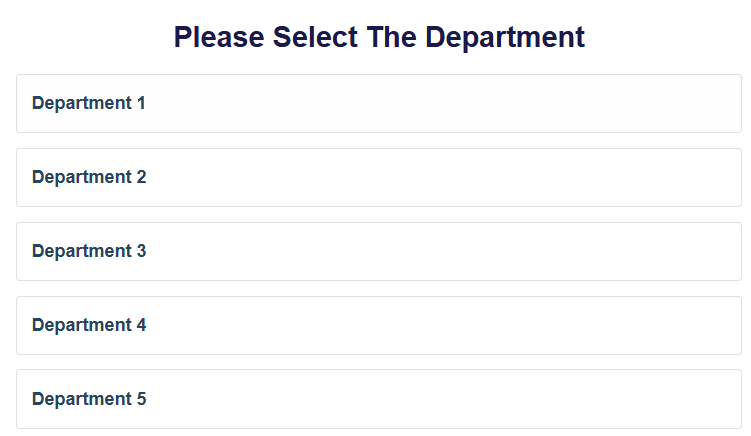
- The
Accident Detailsscreen gives a summary of your previous selections, and then asks forOperator Codeand a description of the Accident.
TIP
The Operator Code is relating to who the incident involved, not who is reporting it.
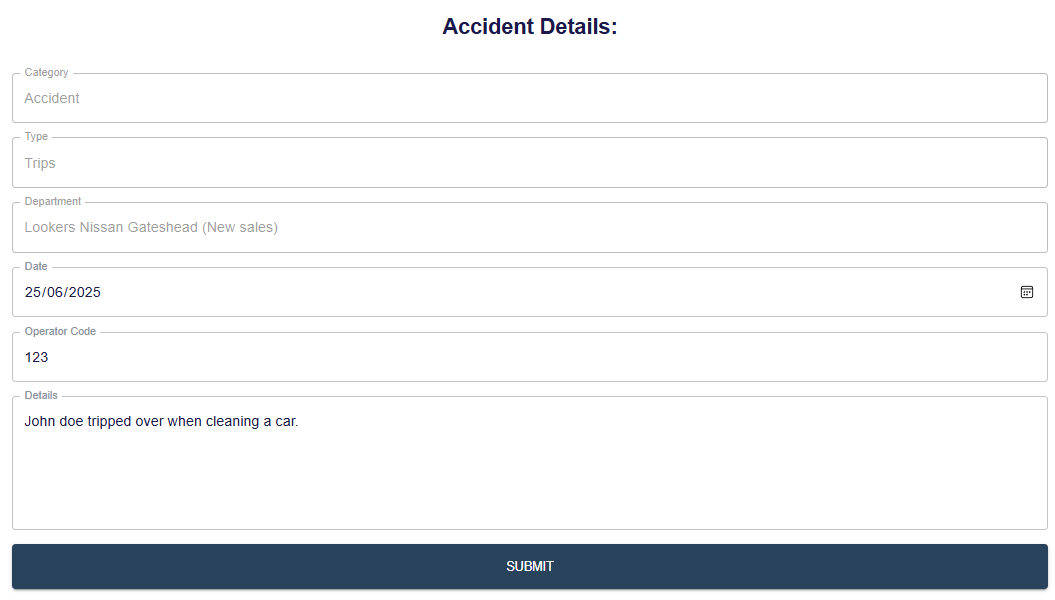
- Once all required fields have been answered, You can then submit the accident.
INFO
Possible error codes:
- Please enter a valid Operator Code
- The accident date cannot be in the future.
- Please enter the details of the accident.
- If the Accident was started and completed without issue, a confirmation screen will display.
